wg.moozy.me
This server hosts a WireGuard endpoint. To connect from Windows, do the following:
- Download and install the Windows client from here.
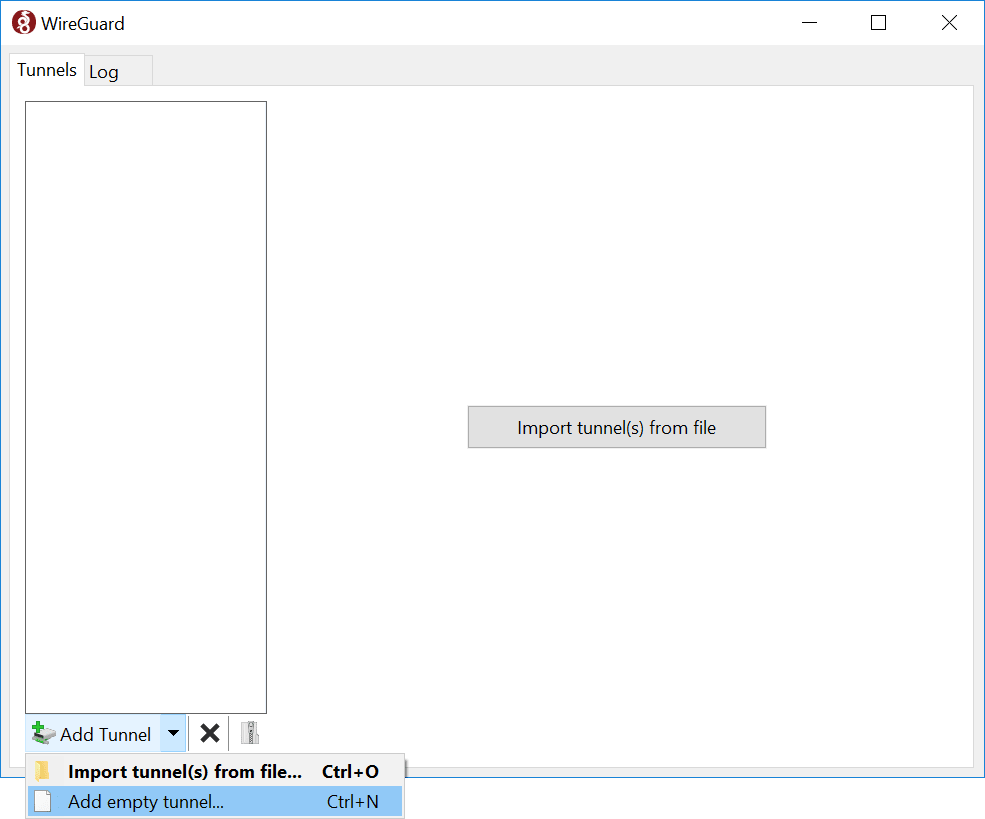
- Add a new tunnel with "Ctrl+N" or "Add empty tunnel..." (screenshot).
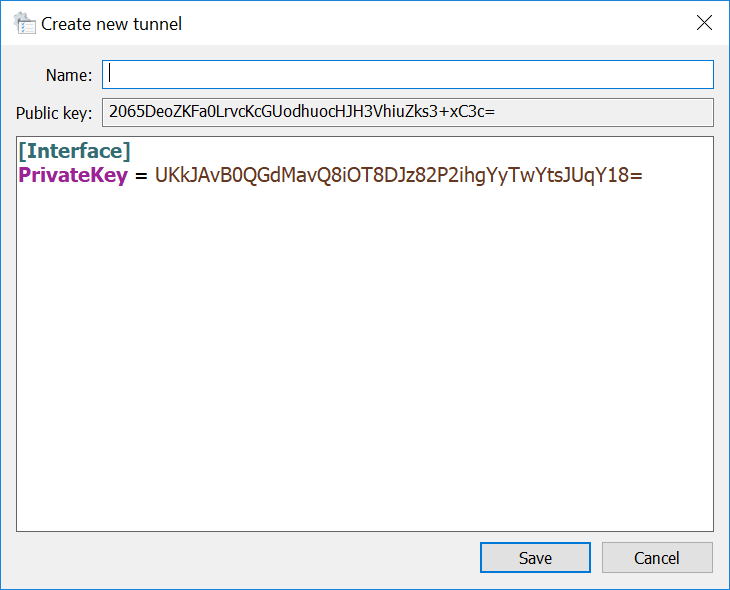
- Copy your public key, and send it to a server operator (screenshot). Keep your private key secret! You will be assigned an IP address to use.
-
In the configuration text area, paste configuration like the
following (you need to replace placeholders with the real
values) below your private key:
[Interface]
PrivateKey = (your private key)
Address = (your assigned IP address)/24

[Peer]
PublicKey = NrNP+KuOLiPJ1eay9Uorn7xzMHNXqlmMJqSn32jA3RA=
AllowedIPs = 10.119.103.0/24
Endpoint = wg.moozy.me:57102
PersistentKeepalive = 25
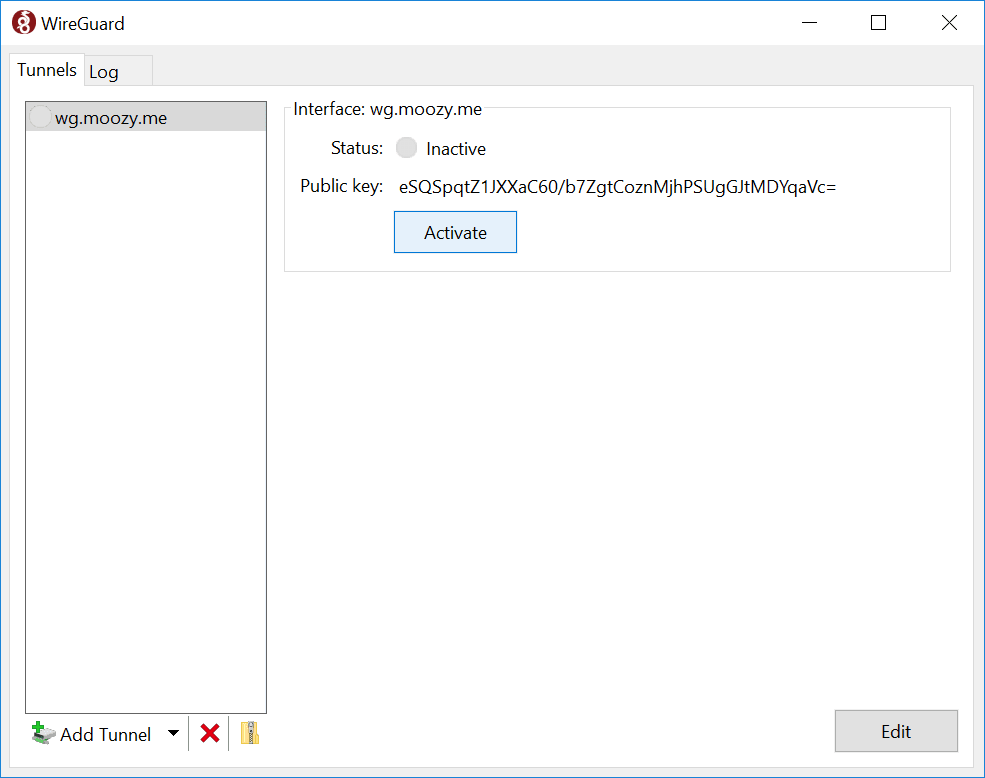
- Click the "Activate" button in the UI (screenshot).
- Once connected, you should be able to view server status at http://10.119.103.1/.